Run more than code
Development servers, databases, workers, scheduled jobs, monitors, and project skills stay together and keep running.
 podbay
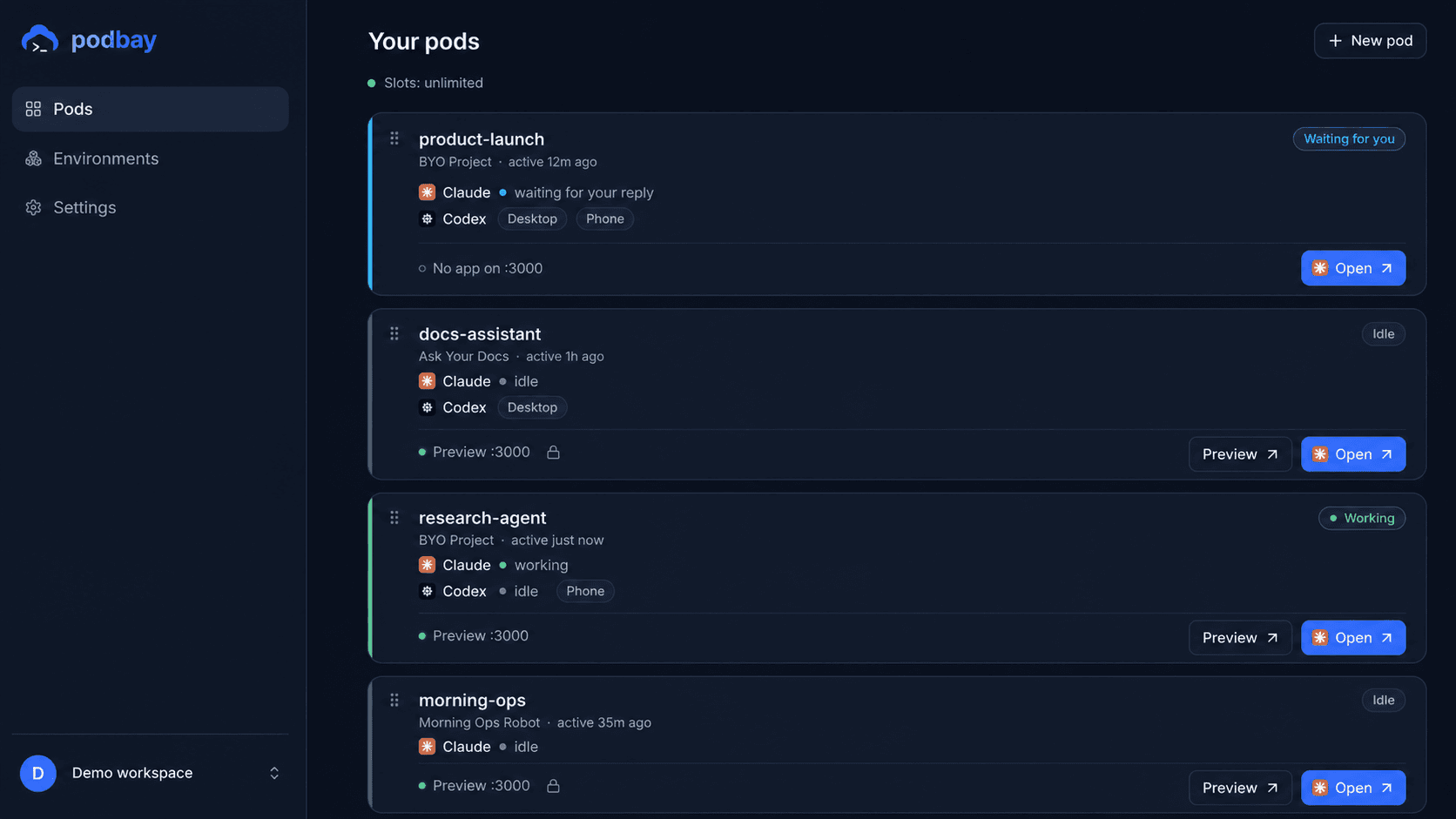
Claude is the interface. Podbay is its computer.
We call it a pod: a private cloud computer with your project, tools, and services inside.
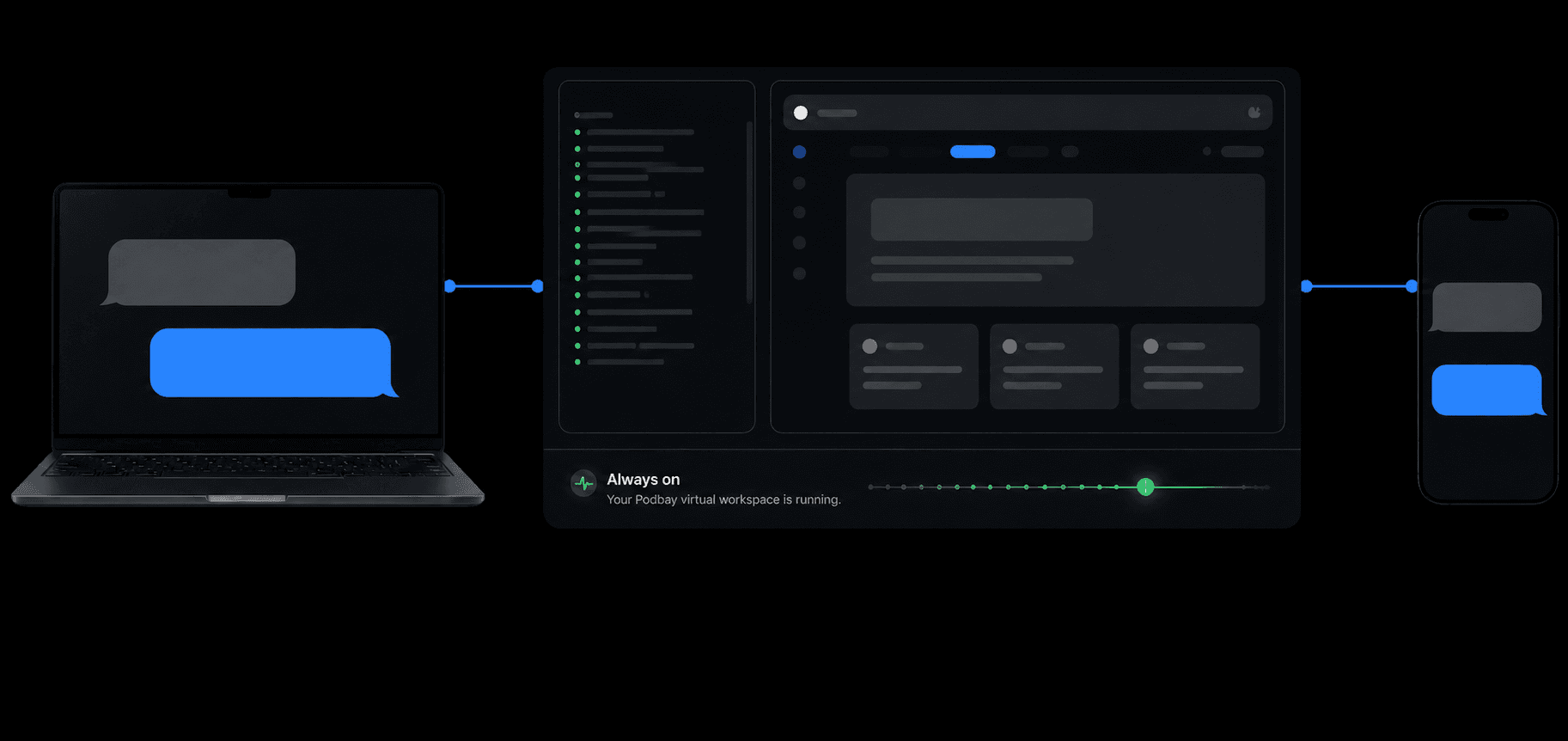
Desktop, phone, or web
Close your laptop and Claude keeps working in the pod. Pick up the same session from desktop, mobile, or web without restarting or moving the project.
More than remote access
A pod gives Claude a complete environment to build, run, and test your project.
Development servers, databases, workers, scheduled jobs, monitors, and project skills stay together and keep running.
Claude can open the live application, click through real flows, use its database, and verify behavior where it made the change.
Use the pod for development with a live preview, or run your production server directly from the pod.
Keep research, development, scheduled work, and production in focused workspaces. Your pods can hand results to one another when the next job is ready.
Market research, interviews, source notes, and validated briefs.
Application code, databases, development servers, and E2E tests.
Regular scraping, database operations, reports, and automations.
A live service with its workers, monitors, and operational context.
A boundary for agent work
The pod gets this project’s code and services, not your personal files, browser sessions, or local network.
Add project credentials in the dashboard instead of pasting secret values into a conversation.
Claude runs through the official CLI with your subscription. Podbay does not proxy model authentication or add token markup.
Open the browser terminal whenever you want to inspect, debug, or recover the workspace.
Private alpha